Route Extractor
Health & Fitness · Free/PaidSave your route.
View it on the map you prefer.
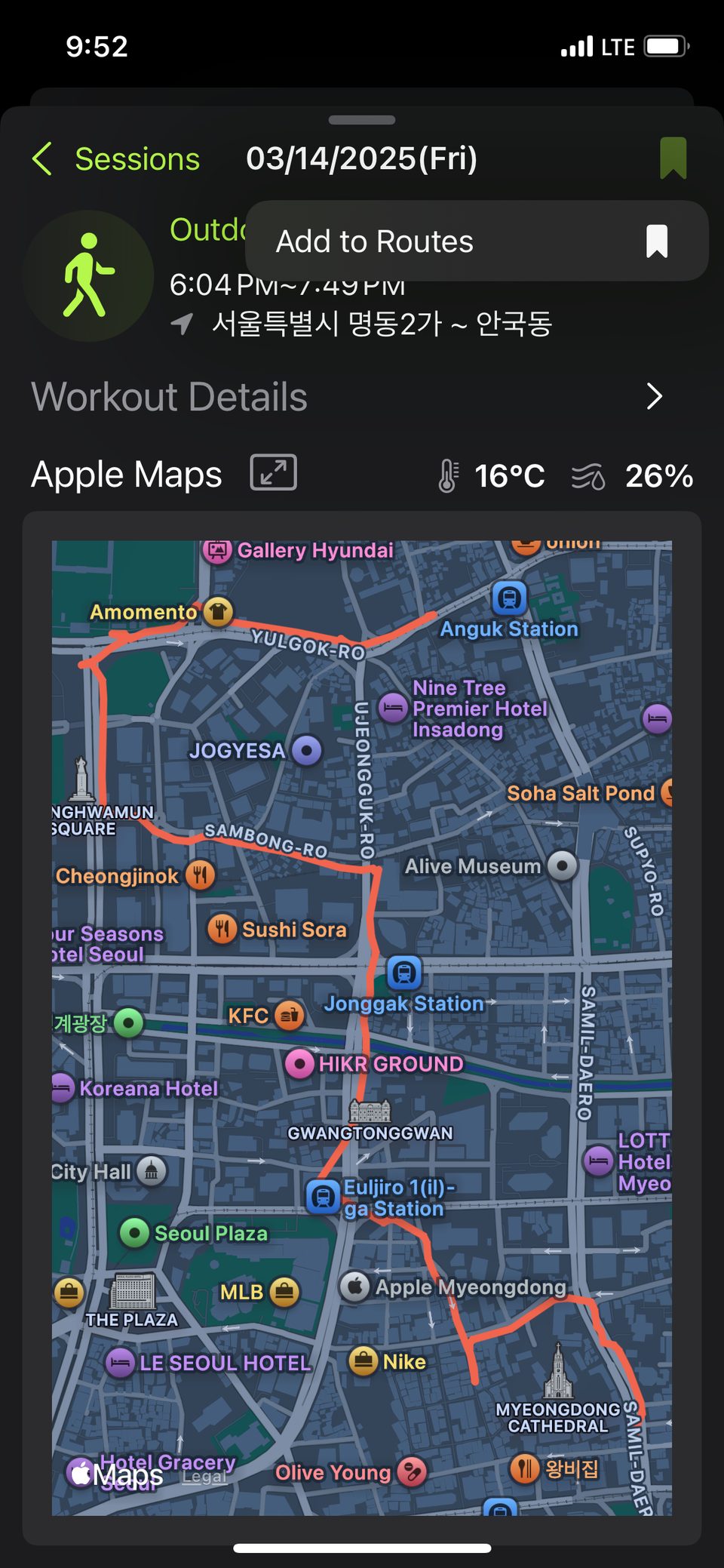
Save workout sessions from the Fitness app to your workout routes.
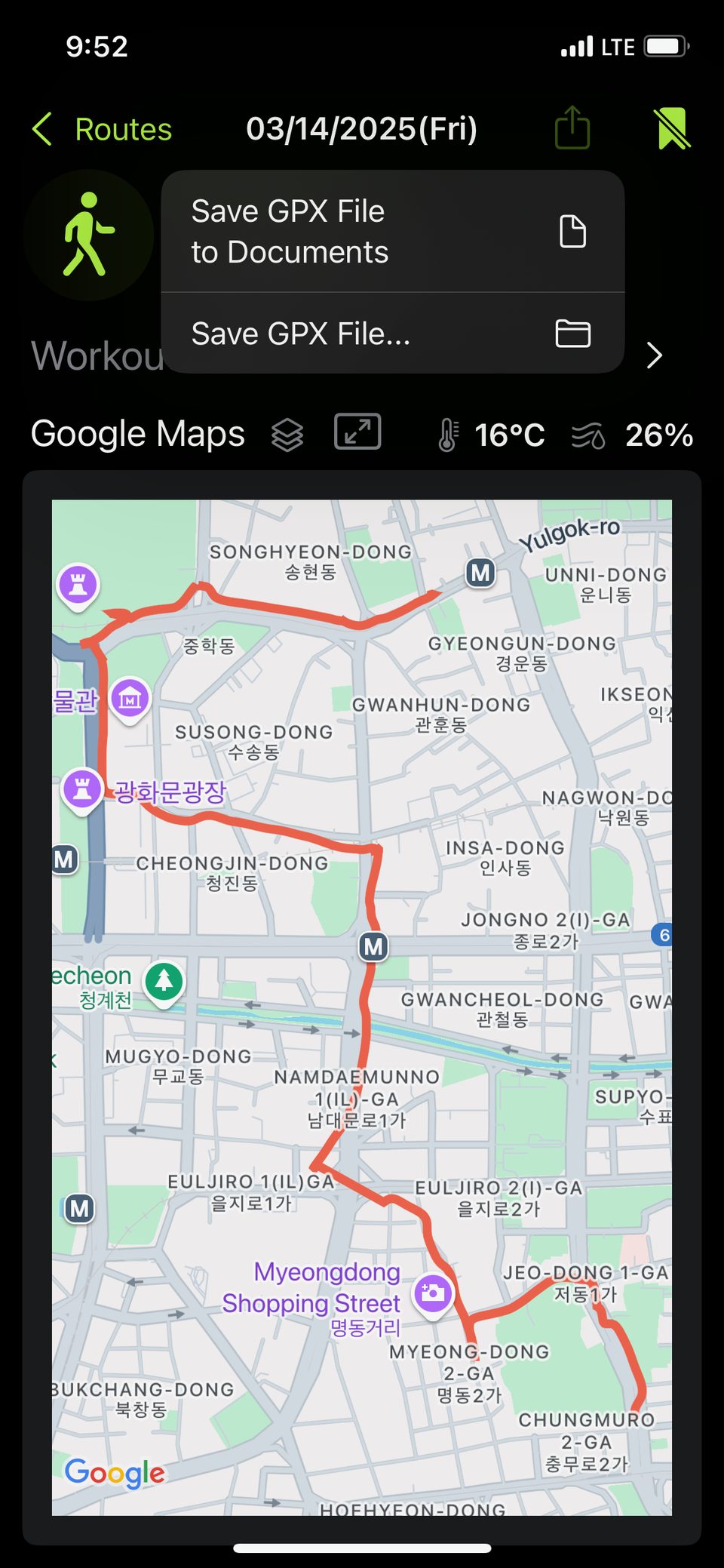
View them on Google Maps, OpenStreetMap, or the map you prefer,
and export as GPX files to use anywhere else.
Key Features
Reads data from outdoor activities like running, walking, cycling, and hiking.
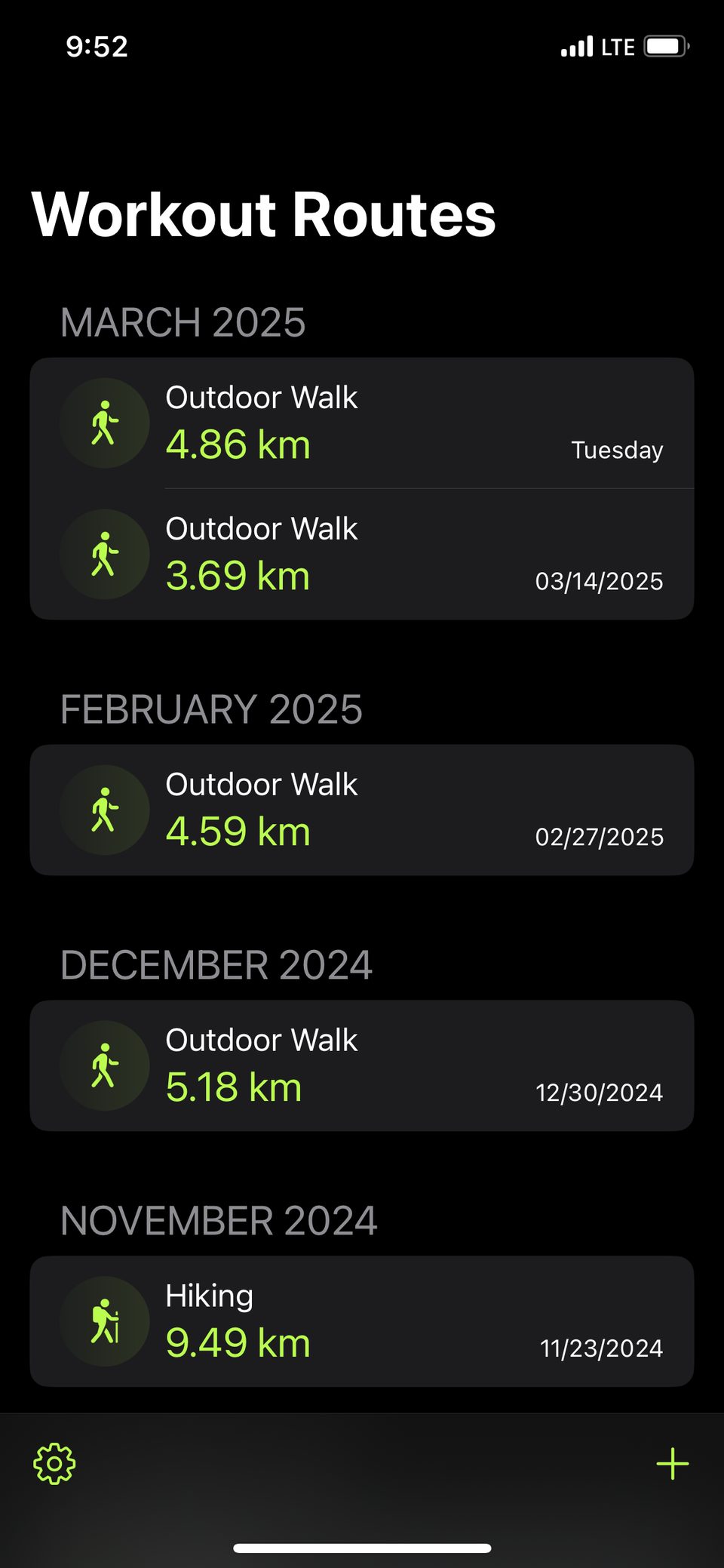
Save Workout Routes
Save workout sessions from the Fitness app straight to your workout routes.
View on Other Maps
View your workout routes on Google Maps, OpenStreetMap, and other map services — not just Apple Maps.
Export as GPX
Export saved routes as GPX files so you can use them in other services.
Import GPX Files
Import GPX files from other apps or services into your workout routes.
iOS, iPadOS & macOS
See your workout routes synced via iCloud on iPhone, iPad, and Mac.
In-App Purchase
Unlock the extra features below with a one-time purchase. Available on iPhone, iPad, and Mac.
Export Heart Rate & Speed
Include heart rate and speed — and running power on outdoor runs — in your GPX files, so you can use them in other analysis services.
Export as TCX
Export in TCX format, which also includes workout summaries like distance, calories, and average heart rate.
Export as KMLNEW
Export your workout routes as KML and see them on the 3D terrain of Google Earth. Both the OGC KML standard and the Google Earth extensions are supported.
Set the Route Point IntervalNEW
Choose the time interval between route points when exporting — original, 2, 5, or 10 seconds. A wider interval makes the file smaller.
Export Several Workout Routes at Once
Select multiple workout routes and export them all at once in GPX, TCX, or KML format.
Import Several GPX Files at Once
Import multiple GPX files at once into your workout routes — from the Files app or from within Route Extractor.
Load Automatically on Launch
Every time you open the app, new workout routes are found and saved automatically. No need to pick and save them one by one.